
The Unsorted Stack
"As organized as you want to be" has always been one of the guiding principles for Laminar Notes. It's the root of my frustration with more strictly structured apps that got me started on dreaming of making my own. This is actually a bit tricky, though, and so far Laminar Notes hasn't always done a good or even noticeable job of hitting the goal. I'm fixing that.
A really interesting idea often doesn't fit into an existing category, at least not immediately. If you're like me, that might make it even more important that you write it down. Ideas that are hard to categorize are almost definitionally more interesting, but also harder to remember because they don't fit into your mental framework yet.
Other times figuring out the right category is possible,
but would take you out of flow on other work:
you just need the minimum viable recording, and you'll clean it up later.
Ideally "later" is pretty soon, but let's be real, sometimes life is messy and you get distracted.
A notes app should help with all of this, not make it harder.
It should remember whatever you can tell it today, and make it easy to fix things later.
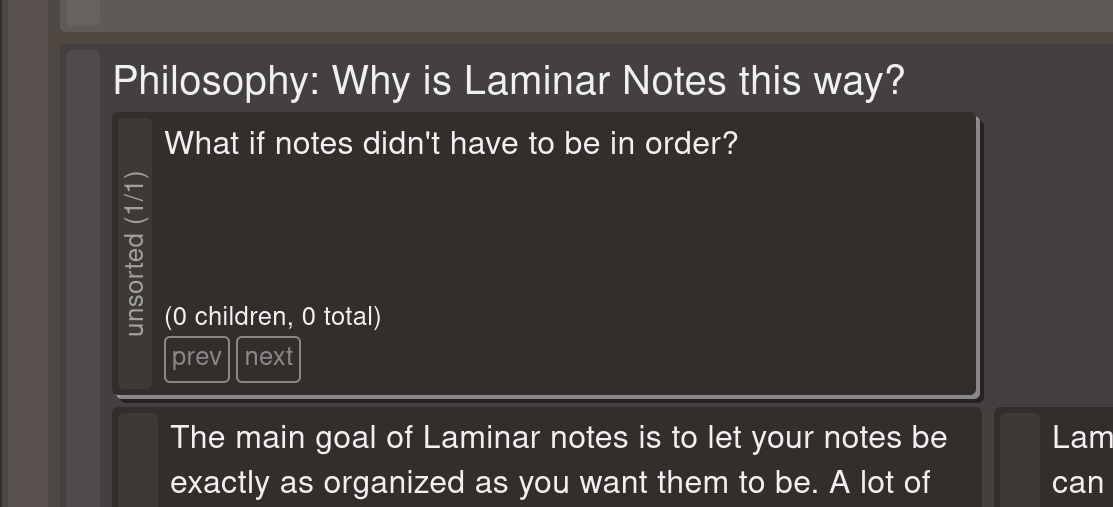
The new "unsorted" location for notes is designed for these situations.
To move a note there, you can either drop it over the text of a note, or over the other unsorted notes already there.
A note's regular children are (for now) an ordered list, where each note has a unique position.
In the unsorted location, it's just in there in its parent, and that's all.
The idea is that if all you've figured out about a note is that it belongs
somewhere in this area, either directly or indirectly, that's all you have to record for now.
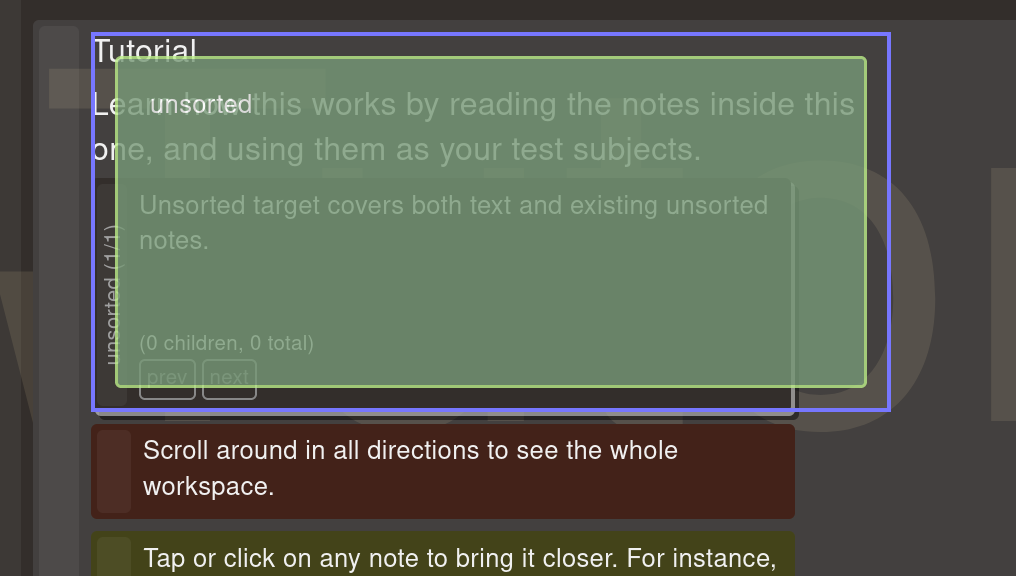
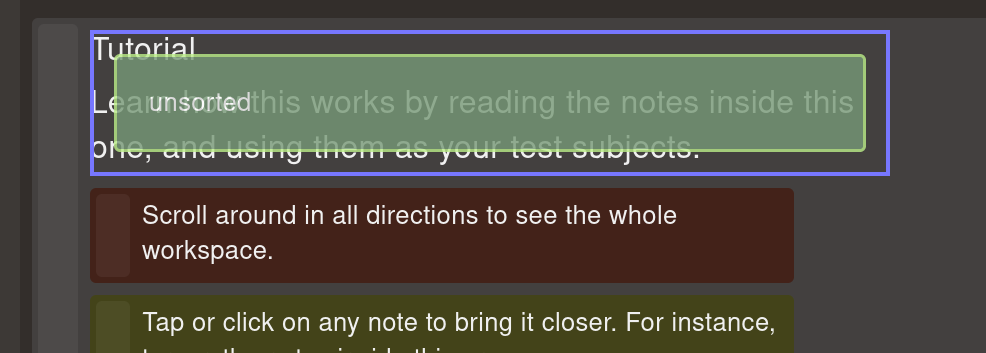
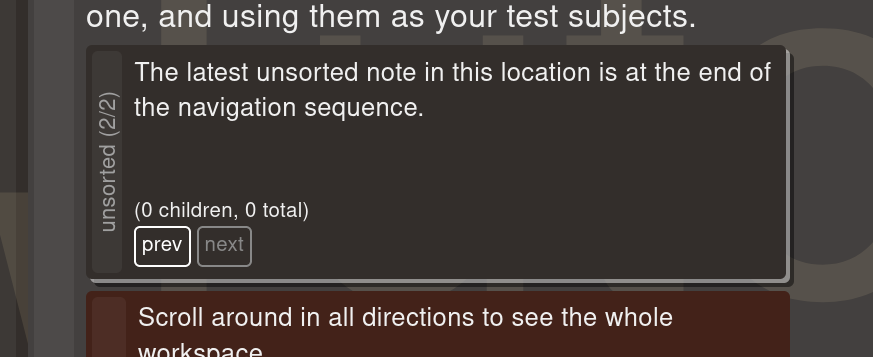
Unsorted notes are designed to look like a physical stack, almost like an inbox tray just for the note containing them.
When you long-press the stack and start an operation like moving, editing, or changing color, it will apply to the current top note.
The "next" and "prev" buttons let you flip through the stack to see and edit whichever one you want.
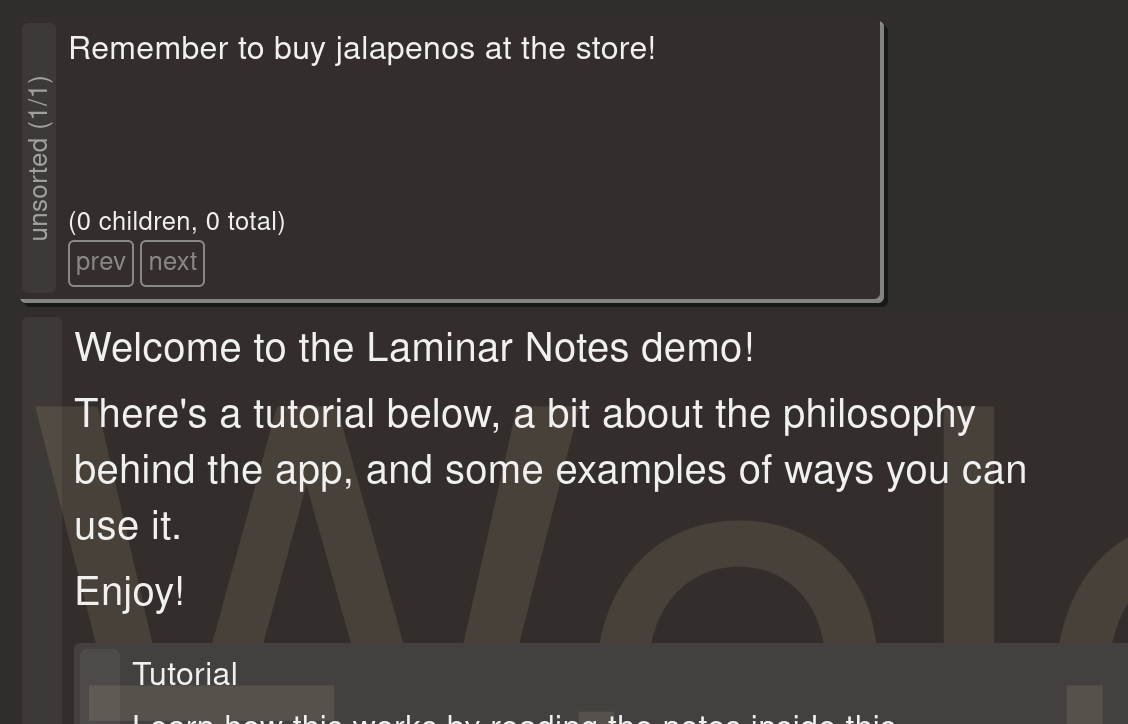
There's even an unsorted slot for the entire workspace. If you create a note with the bottom right "+" button, and don't move it before dropping it, it lands in the global unsorted stack, where you'll see it at the top-left of the workspace. If all you remember about something is that you definitely wrote it down, check there!
A Few Awkward Details
One hopefully-minor limitation is that You can only see one unsorted note at a time in a single pile. This is a way to keep them from taking too much space, and also frankly a way to gently encourage you not to leave things there too long. Of course, by that I partly mean encourage myself. You're probably not so different, if I can cold-read you correctly.
Laminar Notes still isn't snooty about your organization, though.
In my dogfooding instance of the app, I've already got a situation where I use an unsorted stack as an archive of TODOs I've already taken care of, but might want to remind myself of later.
Let's just say, don't leave things there too long if you expect to need them later.
But really, do what you want.
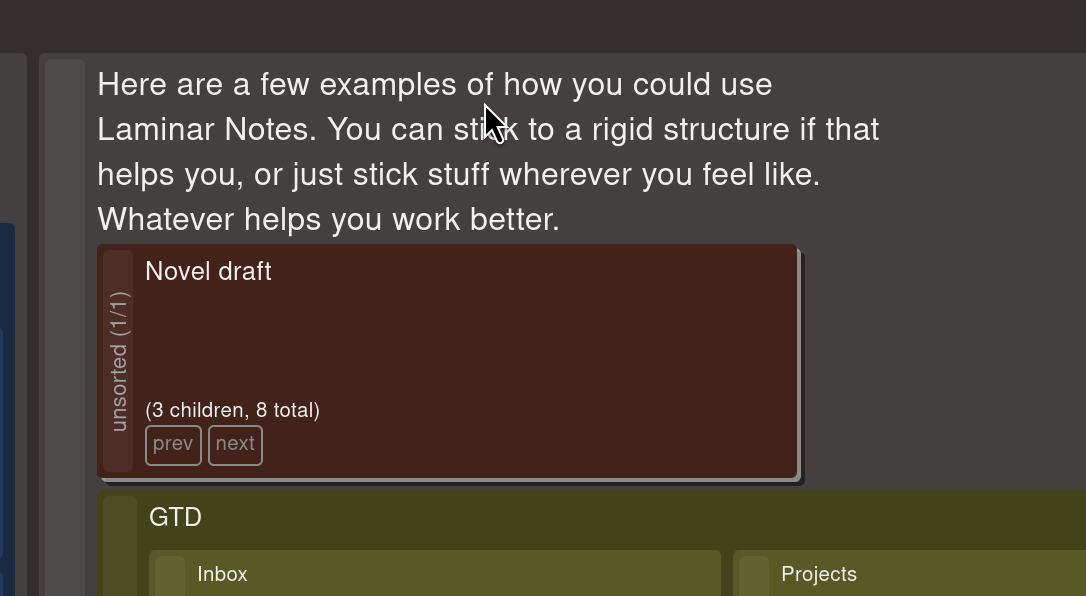
For similar layout reasons, You also can't see any children of an unsorted note. If an unsorted note has any children, you can't see them unless you move it to a more regular position. In the future, we might have the ability to zoom into an unsorted note and see it in fully laid-out glory, but the UI for that will be tricky and I've already got a handful of tricky UI issues. It's not a problem for the most common situation of a fresh note with no children. If you move a note with children into an unsorted stack, and you can see whether and how many children an unsorted note has.
Further
This is the start of a much bigger reworking of the layout and organization options in Laminar Notes.
Part of truly being as organized as you want to be means being organized how you want to be,
and that means having a variety of tools.
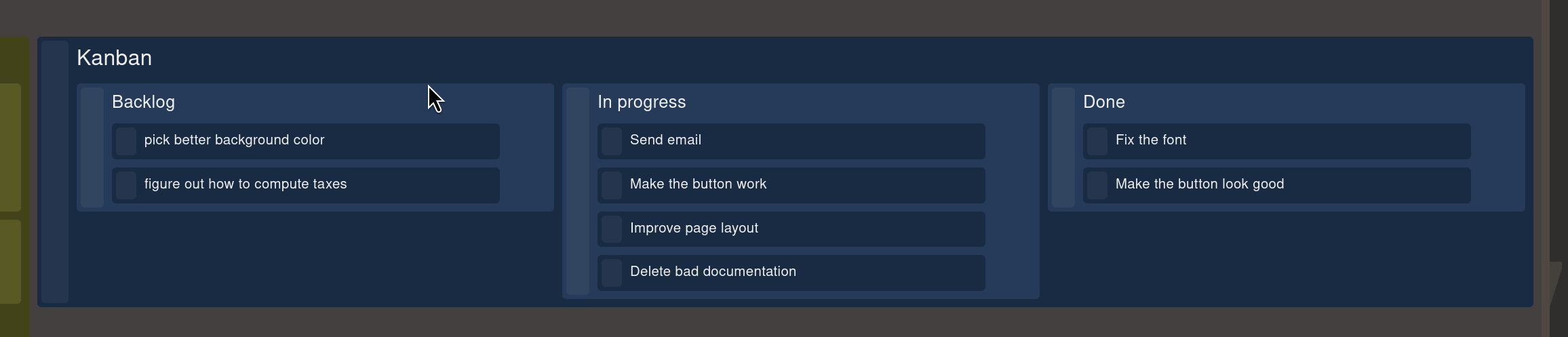
For one thing, as part of the same work as implementing the unsorted stack and laying foundations for other changes, I've already added the option to put all the children of a note in a single row or column. You can access this in the Settings dialog below the color.
The linear layout is pretty handy, but still basically a cosmetic change; it doesn't affect the fundamental relationships between notes. The next stop, and a much deeper change, is likely to be a two-dimensional grid type of layout. I want a grid for, among other things, story outlines that track multiple separate threads at once. (Maybe someday I'll write here about spreadsheet outlines.) But the grid will be designed as a flexible, general tool, something you can shape to your own ideas instead of a template to fill out.
An idea might properly fit into more than one setting at once; that's on my list to tackle, too. Farther in the future, I have my sights set on more complicated constraint-based layouts, cork-and-string, mind-map style layouts, and more.
However Laminar Notes changes, the goal is still to provide a warm home for every idea, however off-the-wall or deeply nested in some project. There will always be spaces you can keep your ideas safe while you're still figuring out how they fit into your bigger picture.
I guess I didn't exactly promise that my next post would be a technical update, but I did make that happen anyway. No promises about the next one either, but I'm hoping it's something more creativity-oriented. Thanks for reading! If this made you think or feel anything, let me know on Bluesky.